

 Image 1 of 8
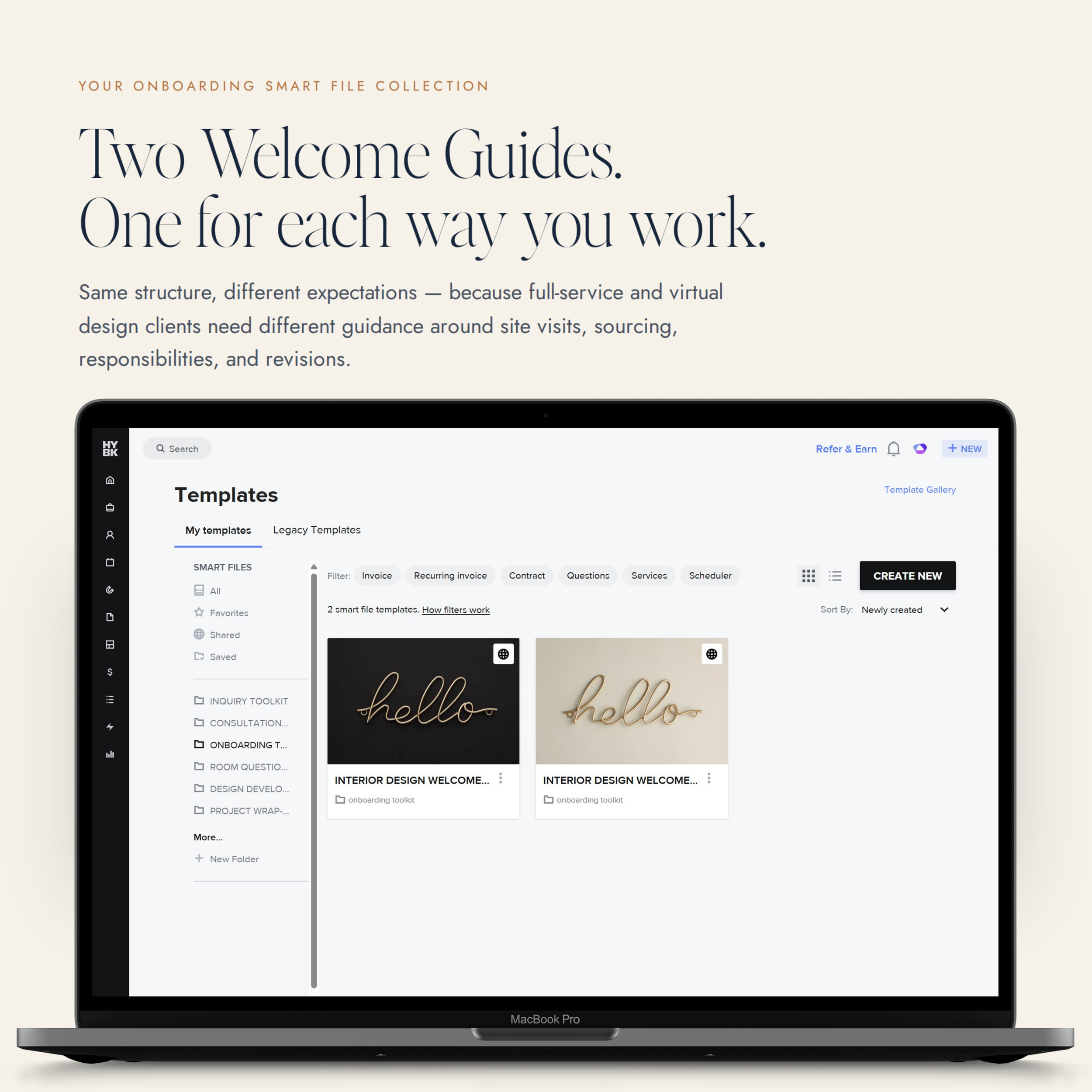 Image 2 of 8
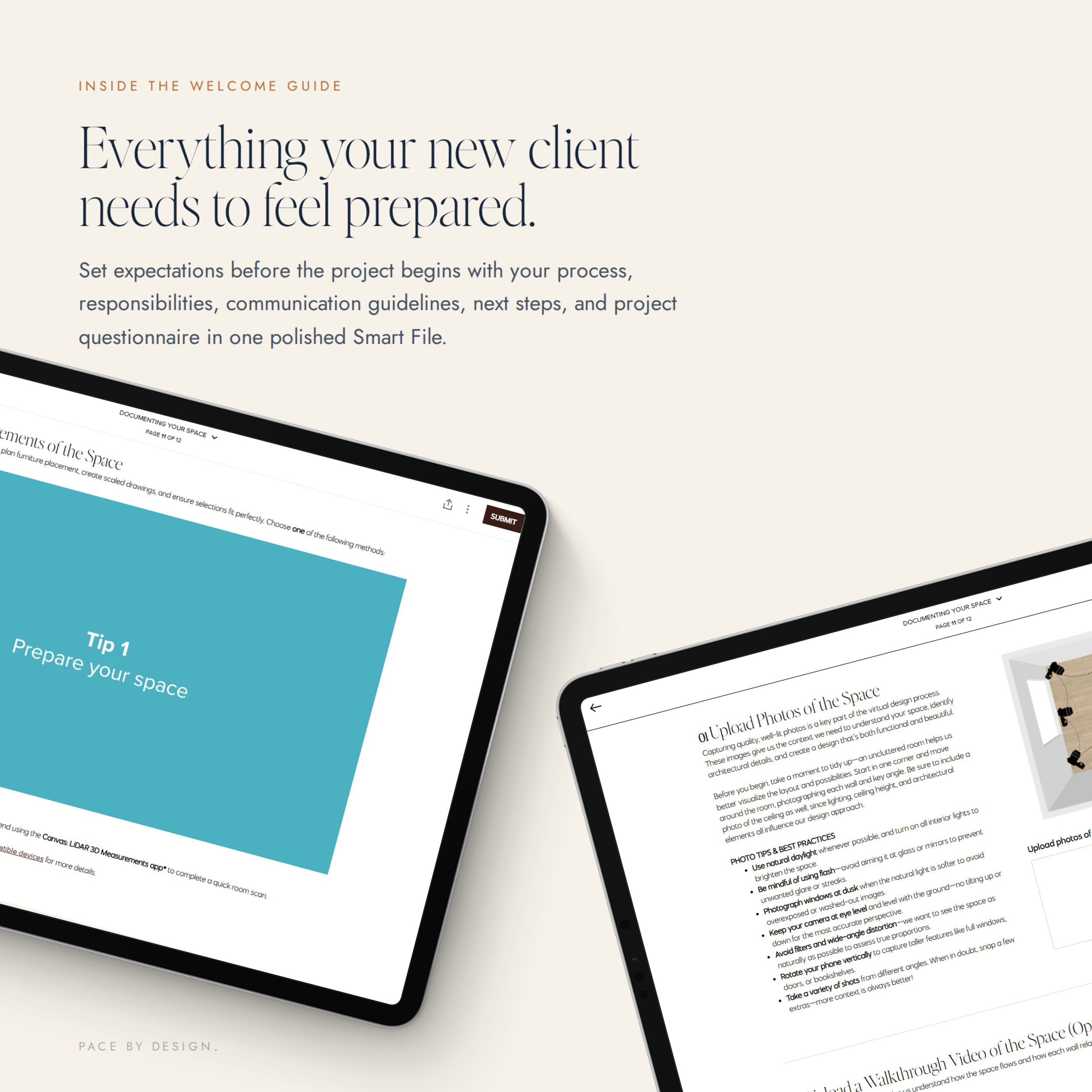 Image 3 of 8
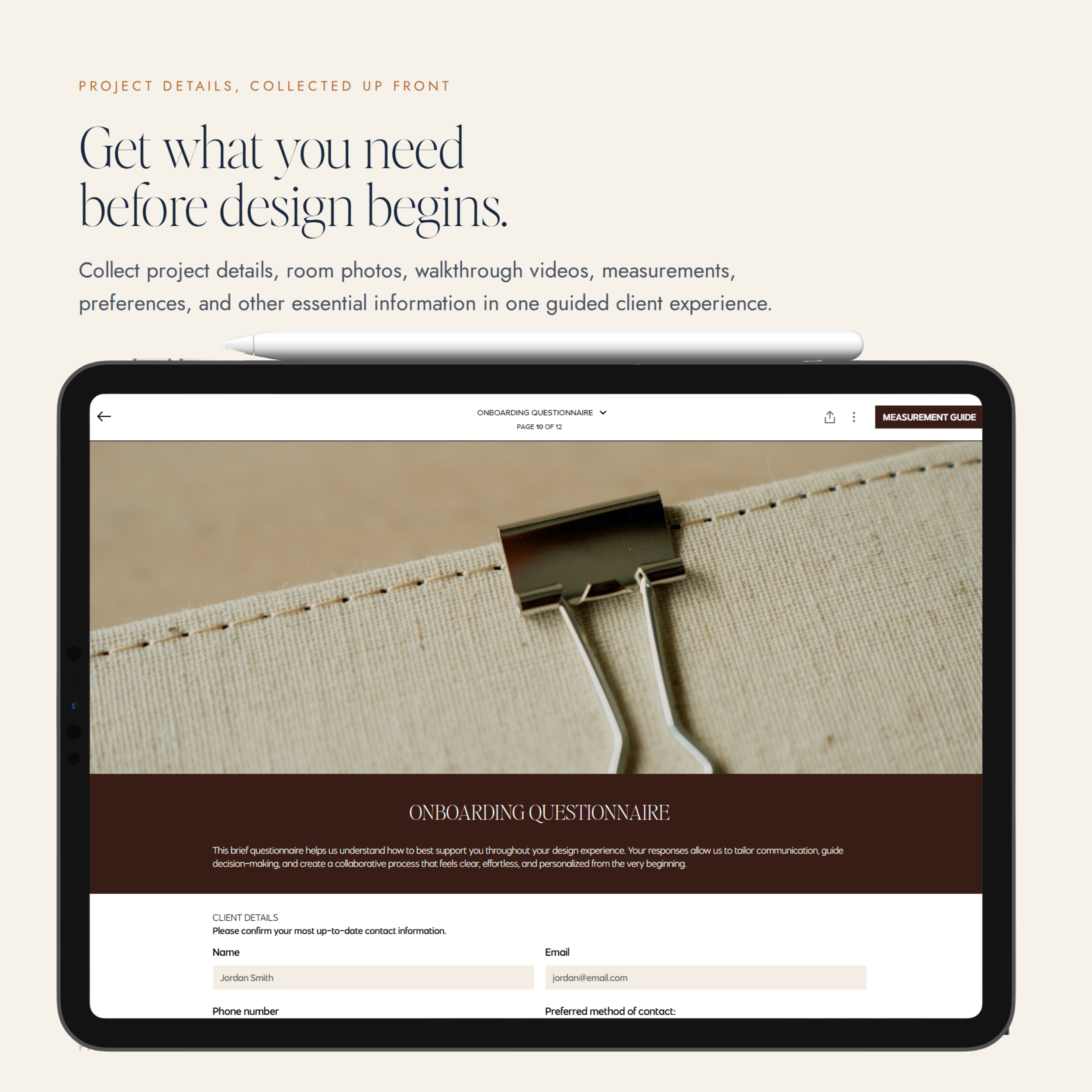 Image 4 of 8
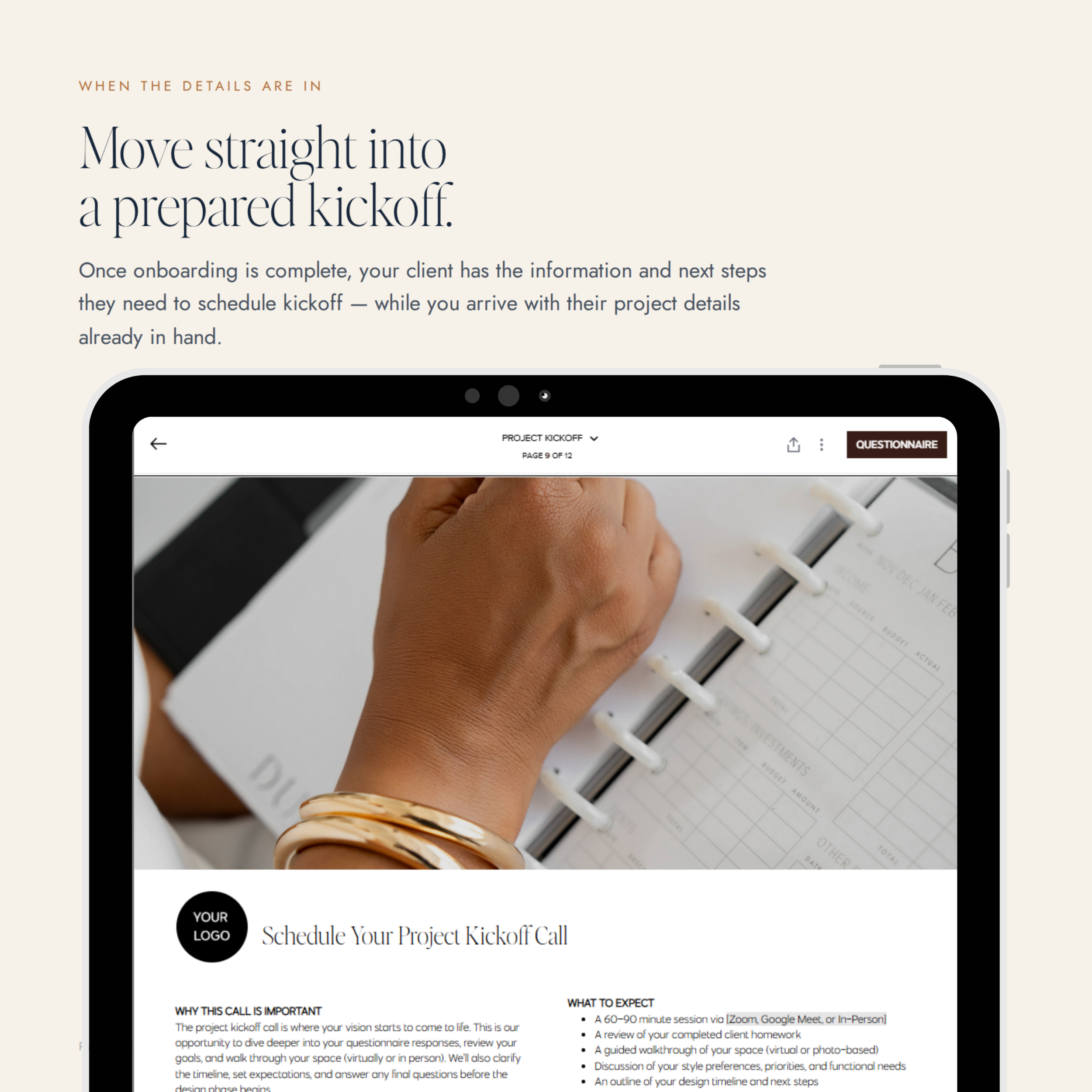 Image 5 of 8
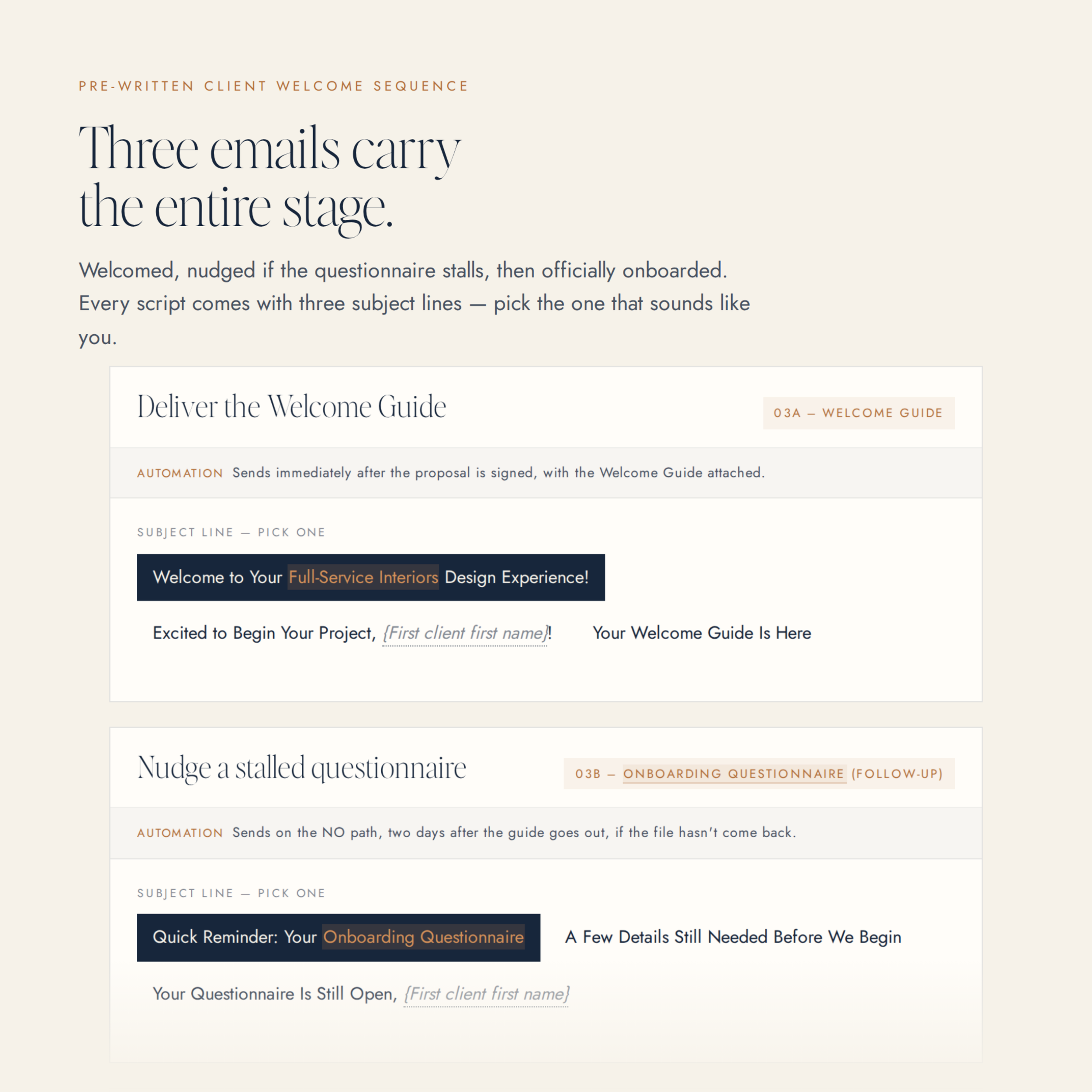 Image 6 of 8
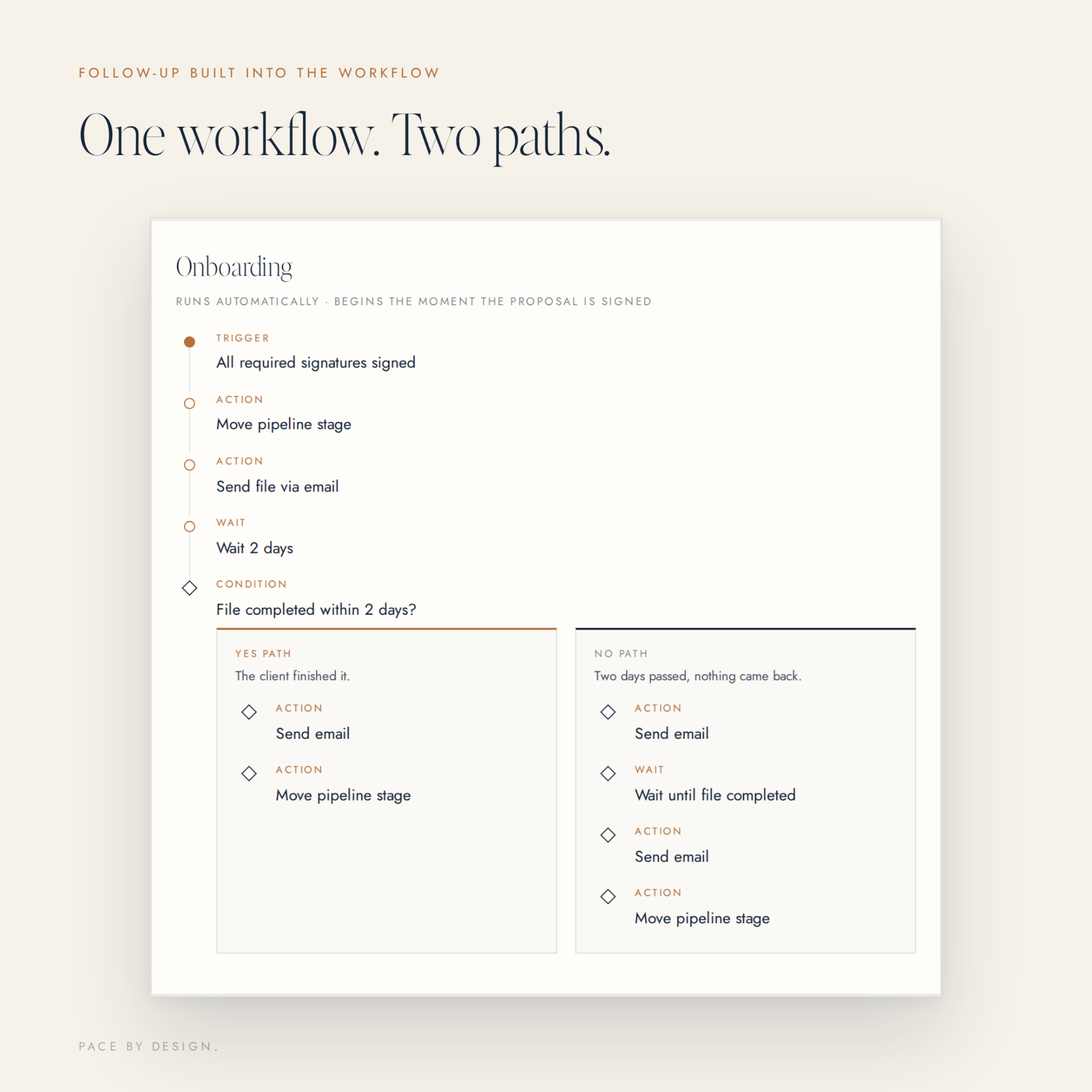 Image 7 of 8
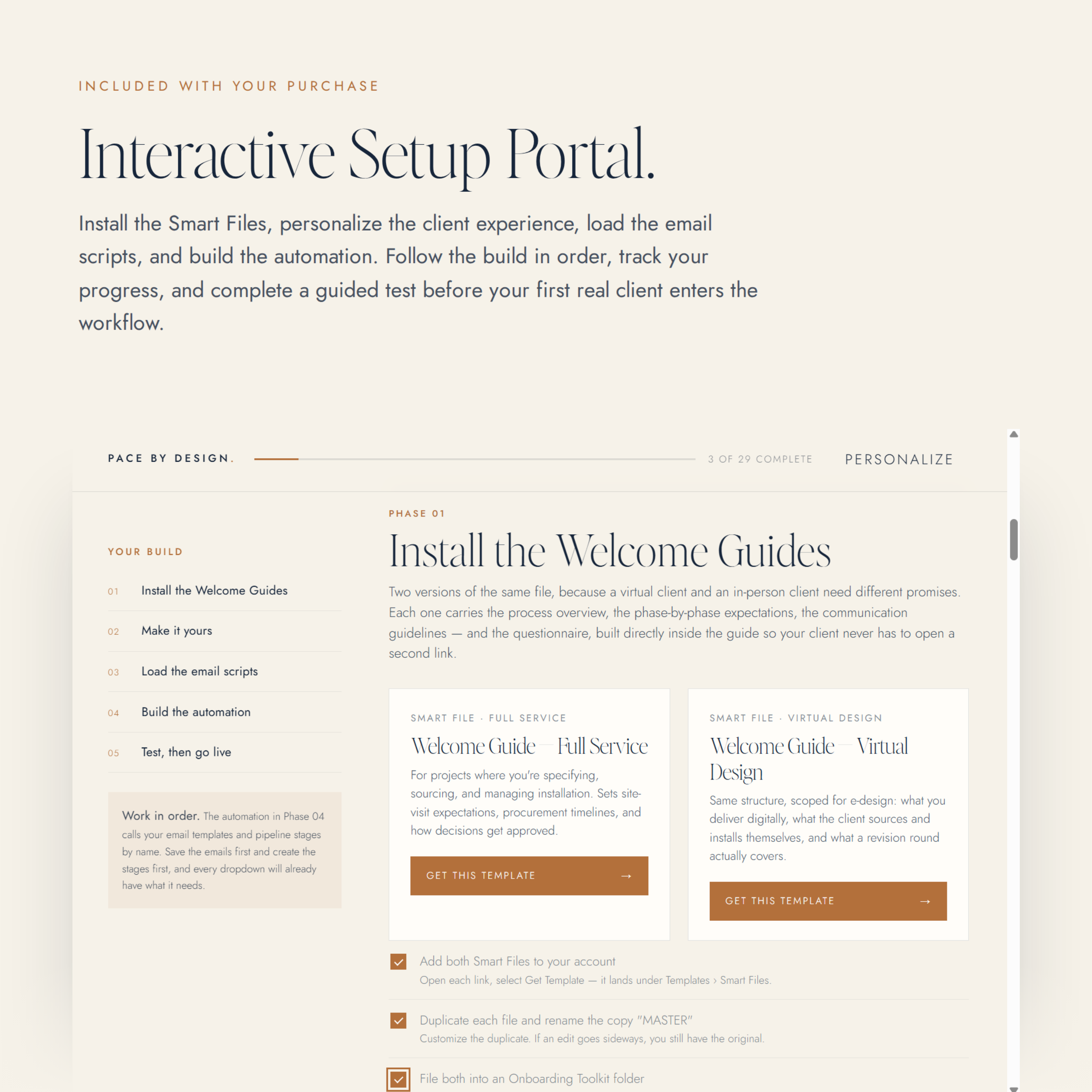 Image 8 of 8
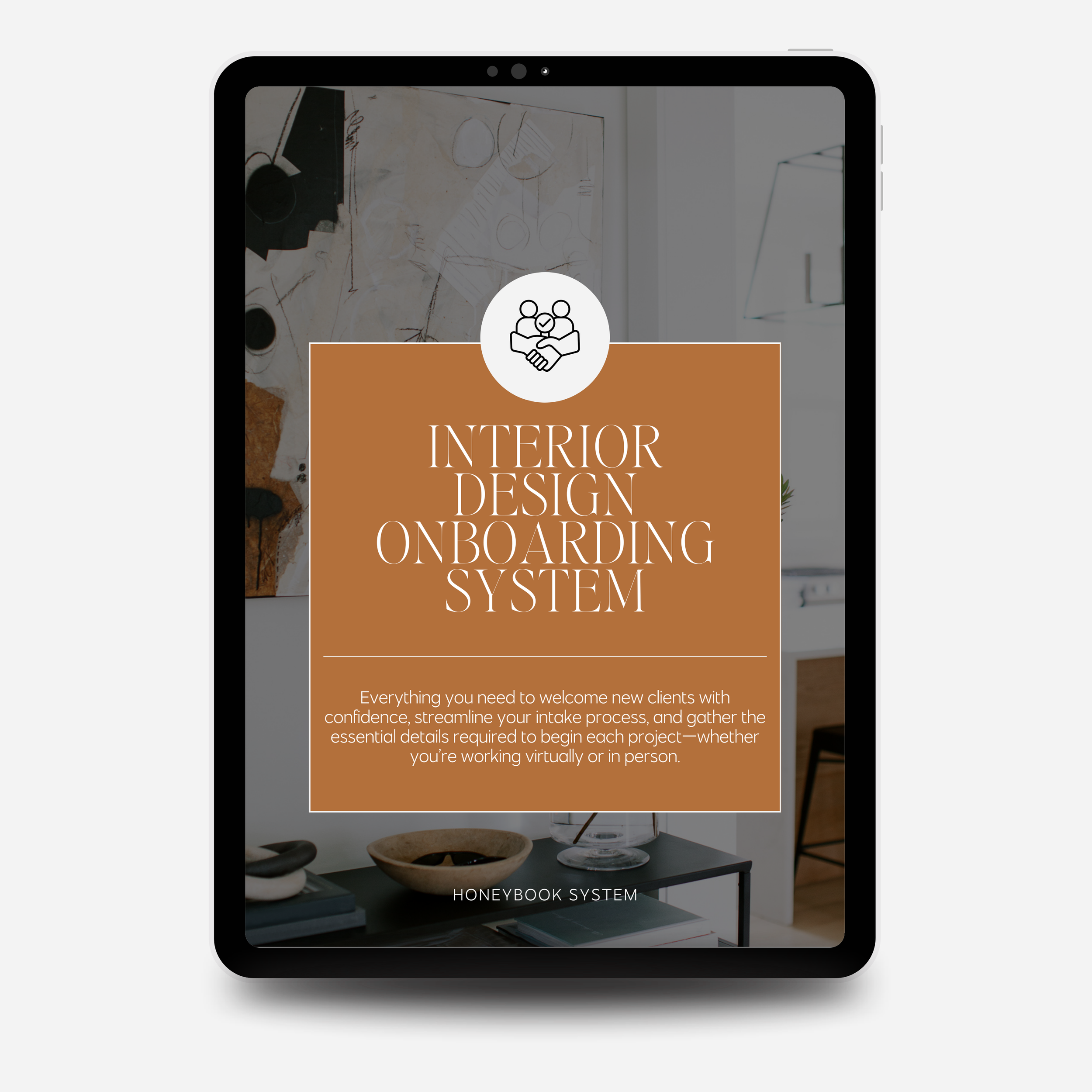
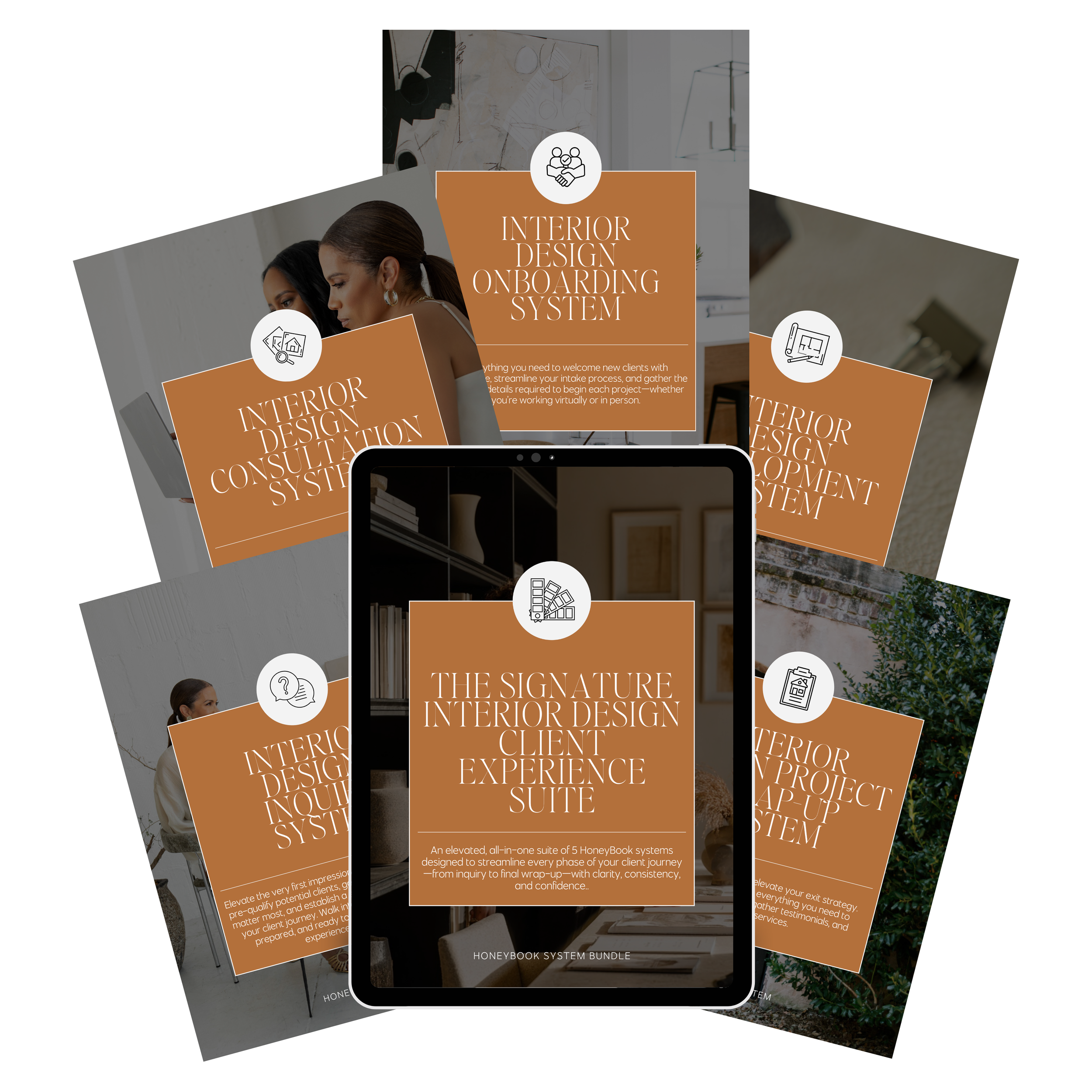
Interior Design Onboarding System
Stage 03 of 5 — Onboarding
More Than A Template Pack
Everything you need to turn a signed client into a prepared client.
Create a polished handoff from “we’re officially working together” to project kickoff, with a complete onboarding system for welcoming clients, gathering project details, setting expectations, and getting the first working session on the calendar.
Inside, you’ll get the client-facing Smart Files, email scripts, automation maps, and guided Setup Portal you need to build the workflow without starting from scratch.
Inside Your System
Everything you’ll get.
Your Complete Onboarding Smart File Collection
The client-facing experience, already designed and written.
- The CenterpieceFull Service Welcome GuideGive newly booked clients one polished place to understand what happens next, how communication works, what to expect, and how to prepare for the project ahead.
- Virtual Welcome GuideThe same welcome experience, written for virtual projects, so remote clients start just as prepared as in-person ones.
Interactive Setup Portal
Your step-by-step command center for getting the entire system live.
Personalize your studio details once, then work through a guided setup that shows you exactly how to install your Smart Files, tailor the welcome experience, save your email scripts, build each automation, test the full handoff, and launch. No separate setup PDFs. No guessing which pieces connect.
Pre-Written Client Welcome Sequence
The communication, handled.
No wondering what to send once the contract is signed. Your included scripts carry the client from officially booked through Welcome Guide delivery, project preparation, scheduling, reminders, and kickoff. Your studio details drop into the copy as you personalize inside the portal.
Mapped Branching Automation
The backend, mapped.
One workflow, branching to cover the whole handoff:
- Welcome + Next StepsGive every newly booked client the same immediate, polished welcome.
- Scheduling + PreparationMove the client toward kickoff without manually chasing down the next appointment.
- Project Detail CollectionGather the information your studio needs before active design work begins.
Activate the workflow so welcome emails, preparation, scheduling, reminders, and routine next steps happen consistently around the work that still needs your attention.
Canva Asset Pack
A curated collection of brand-ready graphics and placeholders you can customize instantly to match your studio’s visual identity.
Your Setup Portal
From purchased to live, without figuring out the setup yourself.
The templates are already built. The Setup Portal shows you exactly how to make them yours. Enter your studio details once and your welcome copy personalizes as you work. Instead of handing you a folder of PDFs and leaving you to connect the pieces, the portal walks the entire build in order, then shows you how the emails, Smart Files, scheduling, and automation steps connect so the handoff works as one experience.
Install
Add the included Smart Files to your HoneyBook account.
Make It Yours
Update your branding, studio policies, communication expectations, and client-facing language.
Load Your Scripts
Save the included onboarding email scripts inside HoneyBook.
Build The Automations
Follow the mapped triggers and actions, then connect scheduling and project preparation.
Test, Then Go Live
Walk the onboarding experience as a sample client before your next real project.
No separate setup PDFs. No guessing which pieces connect.
The phases are ordered on purpose: your automations depend on the email templates you save in Phase 03.
After Checkout
From template to working onboarding system.
- 01
Install
Open your private Setup Portal and add the included Smart Files to HoneyBook.
- 02
Personalize
Update your branding, studio policies, communication expectations, and client-facing language.
- 03
Load
Save the included onboarding email scripts inside HoneyBook.
- 04
Connect
Build the mapped automations and connect your scheduling and project-preparation steps.
- 05
Test + Launch
Walk through the onboarding experience as a sample client before welcoming your next real project.
Before You Buy
The details.
Licensed for unlimited use by a single user (the purchaser) for both personal and business purposes. This license is non-transferable — templates may not be resold, shared, leased, duplicated, licensed, sublicensed, redistributed, or offered free or paid to any third party or marketplace. This is a non-exclusive license, meaning other designers may also purchase and use this template.
Due to the digital nature of this product, all sales are final and non-refundable. Please review the preview images and description before purchasing to ensure it’s the right fit.
Access is delivered immediately after checkout. Inside your Smart File you’ll find the link to your private, interactive Setup Portal, which holds all five phases of the guided setup, your email scripts, and your automation maps. Nothing to download and reassemble.
This file is designed for use with HoneyBook. A valid HoneyBook account is required (subscription sold separately).
Don’t Have HoneyBook Yet?
Save 30% on your first year.
A HoneyBook account is required to use these Smart Files. Use the referral code at signup for 30% off your first year. We may receive a referral credit — it costs you nothing and doesn’t change what you pay.
Two Ways To Work Together
Install it yourself, or have it built around you.
Do It Yourself
The system is already designed. Follow the Setup Portal and install it in your own HoneyBook account, at your own pace, for a fraction of a custom build.
HoneyBook Setup Service
I design and build the system around your actual business, your services, your pricing, and your workflow, then hand it over ready to run.
See The Setup ServiceReady to make every new client feel taken care of from day one?
Instant access. Yours to keep.
Digital product, delivered immediately after checkout. Add it to your cart at the top of this page.
Also In The Journey